API
The API lets you trigger exports programmatically — for integrations and custom workflows. It is part of the Exportelier Automation app.
Authentication
Calls are authenticated. Configure credentials in the Automation app before integrating.
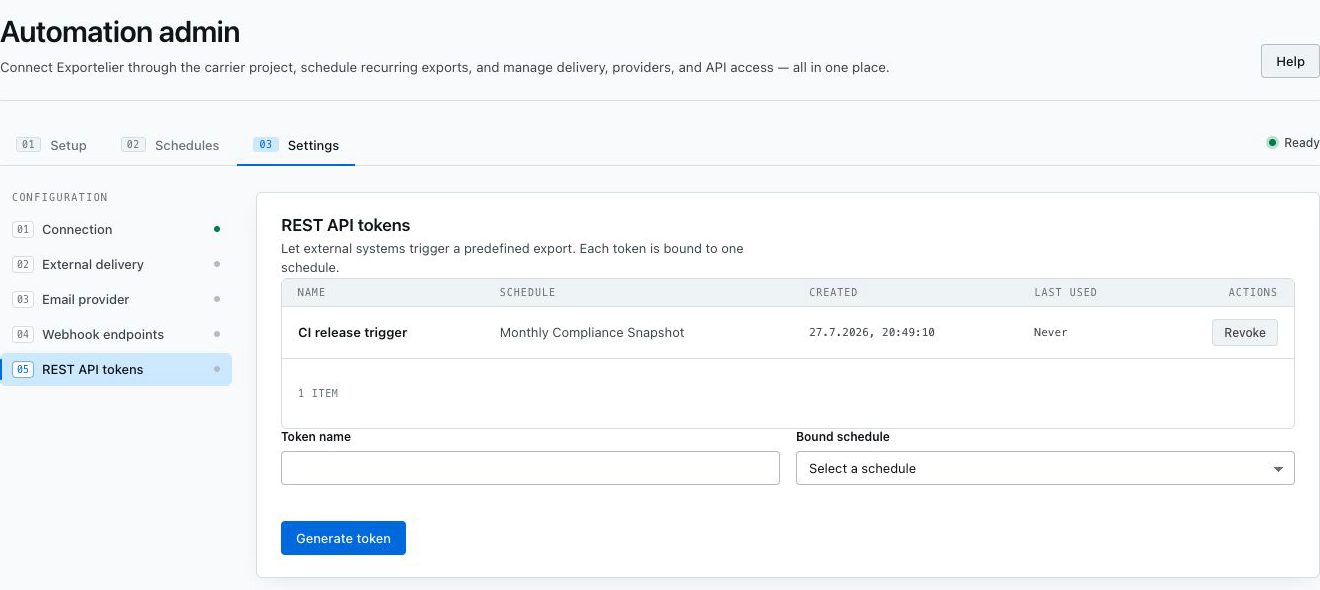 The API configuration screen with credentials and endpoint information.
Typical flow
- Authenticate.
- Request an export (context, template, format).
- Poll the job status for large exports.
- Retrieve the result.
Rate limits
The API is subject to rate limits — see Limits reference. For event-driven delivery, consider webhooks instead of polling.
Exact endpoints
Endpoint paths and request/response schemas are documented in-product and will be expanded here. This page describes the model and flow.