Code mode
Code mode is for power users who want precise control. It is always optional — you never have to write code to build a template.
When to use it
Reach for code mode when the visual canvas cannot express something you need, or when you prefer editing structure directly. For most templates, the visual designer is faster.
The editor
Code mode provides a full Monaco editor (the editor that powers VS Code) with a compile-and-preview loop, so you can see your changes rendered against sample data as you edit.
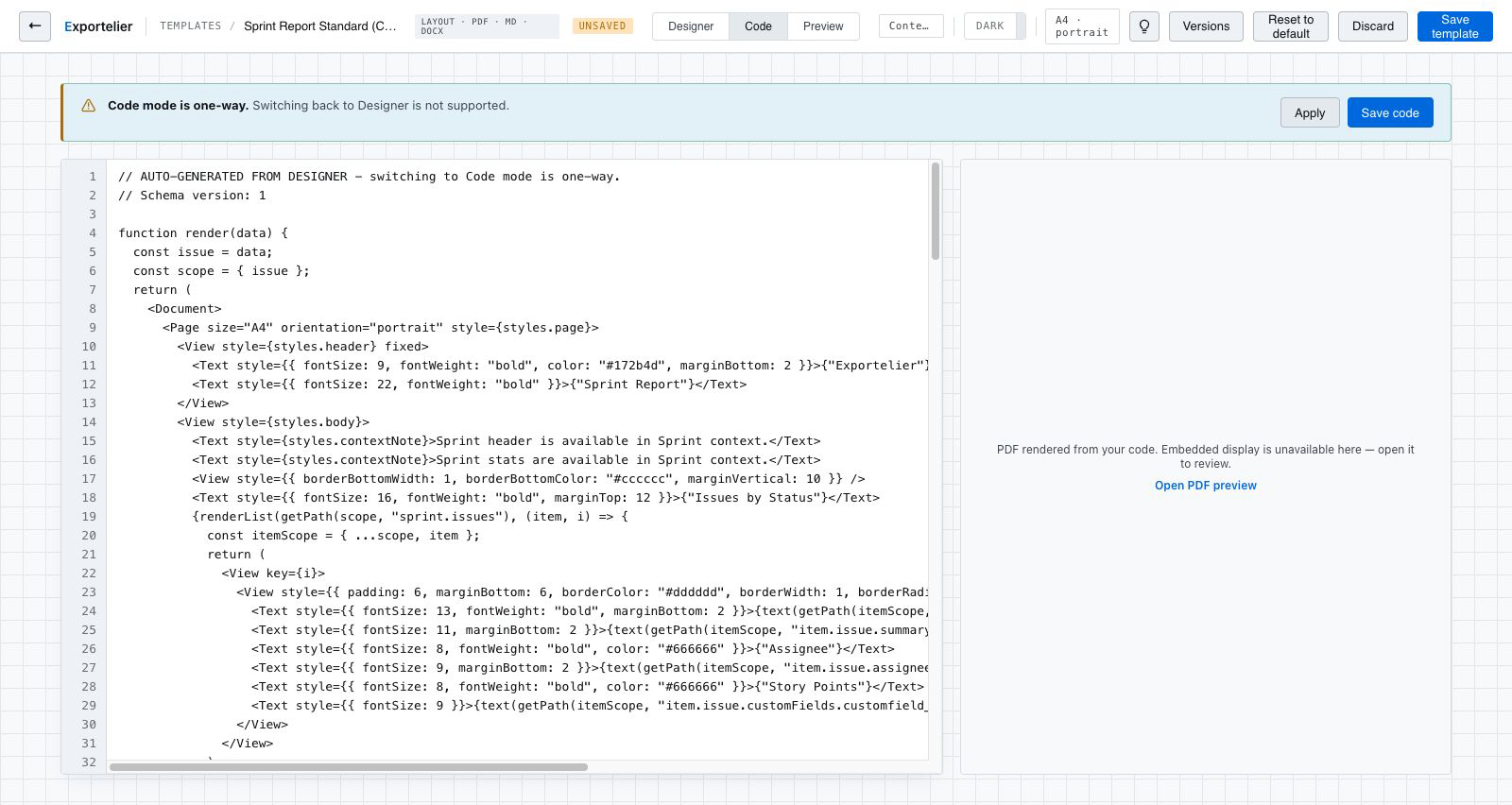 The Monaco code editor on one side and the live document preview on the other.
Switching between visual and code
You can move between the visual canvas and code mode while building a template. Save points are captured as version snapshots, so experimenting is safe.
Code mode exposes lower-level template structure. If something does not render as expected, revert to the last snapshot and adjust incrementally.