Layout & page setup
Page setup controls the physical shape of the document. These settings apply mainly to PDF and Word output.
Orientation and paper size
Choose portrait or landscape and A4 or Letter for the template.
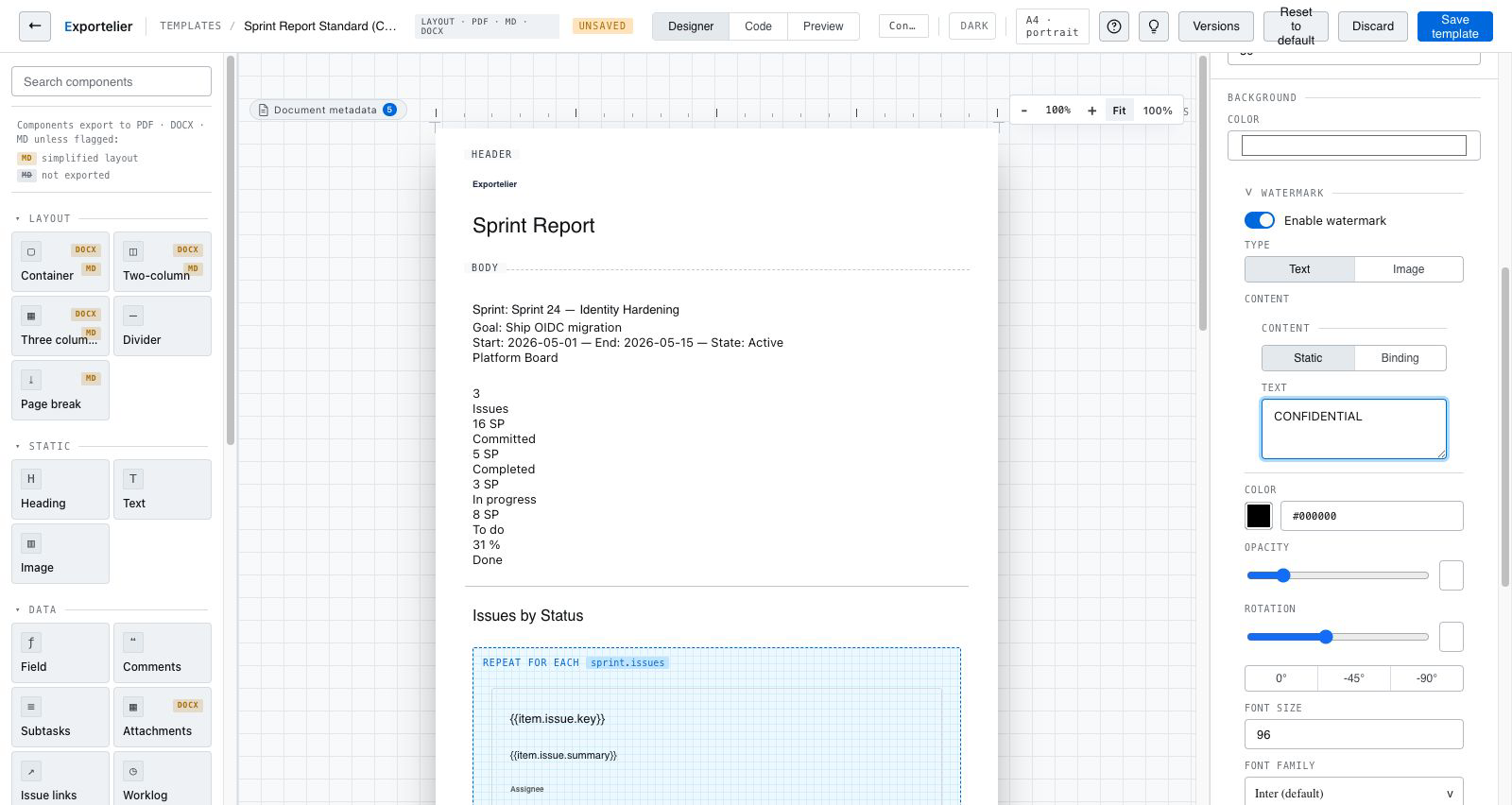 The page setup panel showing orientation, paper size and margin controls.
Margins
Set page margins to match your house style or to leave room for letterhead.
Page breaks
Insert manual page breaks, or let grouping start each section on a new page. See Repeaters & grouping.
Headers and footers
Add running headers and footers — for example, a logo, a document title, and page numbers. Combine with branding for a consistent look.
Format differences
Markdown has no fixed page size, so page-setup options affect PDF and Word output. See Output formats.