Version snapshots
Every time you save a template, Exportelier captures a snapshot. You can restore any snapshot in one click, which makes experimenting risk-free.
How snapshots are created
A snapshot is created automatically on each save. No extra step is required.
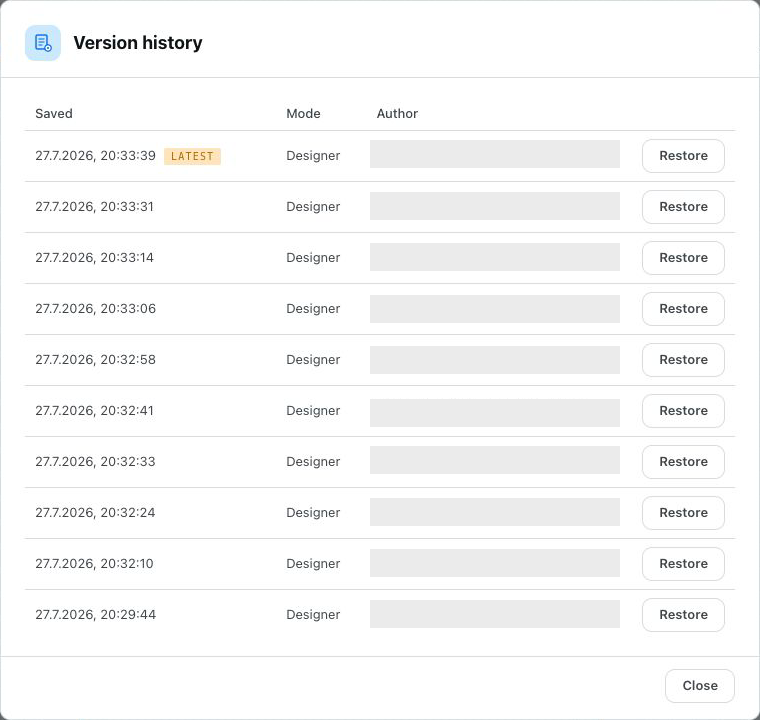 The template version history list with restore actions next to each snapshot.
Restoring a previous version
Open the template's version history and restore the snapshot you want. The restored version becomes the current design.
Restoring bundled defaults
You can also restore the bundled default templates at any time — useful if you want to start over from a known-good design. See Managing templates.
Experiment freely
Because every save is restorable, try bold layout changes without fear. If a change does not work out, restore the previous snapshot.